
When a customer in Ann Arbor, Jackson, or Grass Lake searches "coffee near me" or "plumber open now," they almost never make it to your website first. They make a decision right there in the search results — inside a little box called your Google Business Profile. In 2026, that box is your real homepage. And most Michigan businesses are leaving its single most persuasive feature completely empty: video.
A Google Business Profile video takes about fifteen seconds to watch and tells a potential customer more than a hundred words of text ever could. It shows your face, your shop, your team, and the feeling of actually walking through your door. Below, we'll cover why GBP video matters for local SEO, what to post, how to add it step by step, and why professionally shot footage consistently outperforms a shaky phone clip.
Why Your Google Business Profile Is Your Most Valuable Local SEO Asset
Think about how you personally search for a local business. You type a phrase, Google shows you a map with three highlighted listings — the "local pack" — and you skim the photos, star ratings, and hours. You've likely chosen a business before a single website loads.
That's why your Google Business Profile is the highest-leverage piece of digital real estate a local business owns. It's free, it sits at the top of search results, and it's where buying decisions actually happen. For Michigan businesses competing against national chains and every shop one town over, a complete, active profile is the difference between getting found and getting scrolled past.
Google rewards profiles that look alive: fresh photos, recent posts, quick review responses, and — increasingly — video. An empty profile signals a business that may not even be open anymore. A profile with a warm, well-shot video signals a business worth driving to.
Does Video Actually Help Google Business Profile Rankings?
Here's the honest, no-hype answer: Google has never published "video is a direct ranking factor" for local search. But that framing misses the point of how local SEO actually works.
Google's local rankings reward engagement and relevance. When your listing includes video, people spend more time on your profile, click through more often, and are more likely to call or request directions. Those behavioral signals — dwell time, clicks, and actions — are exactly what Google watches to decide which businesses deserve the top three spots.
So while a Google My Business video won't magically vault you to number one on its own, it strengthens every signal that does move rankings. Add that to a profile with strong reviews and complete information, and video becomes a genuine competitive edge for local SEO video performance. Just as importantly, even if two businesses rank side by side, the one with video wins the click.
What Types of Video Work Best on Google Business Profile
You don't need a big-budget commercial. GBP videos are short — Google allows clips up to 30 seconds — so the goal is to communicate one clear thing quickly. The formats that consistently perform for Michigan businesses:
- The welcome tour — a quick walk through your space so customers know exactly what to expect when they arrive.
- Meet the owner — you, on camera, saying who you are and why you do this. Nothing builds local trust faster.
- Product or service in action — a barista pulling a shot, a stylist finishing a cut, a technician at work. Show the thing people are paying for.
- Team and atmosphere — the faces and energy behind your business, which is what turns a first-time visitor into a regular.
Each of these is a small piece of local business video that answers the quiet question every searcher is asking: what's it actually like to do business here?
How to Add a Video to Your Google Business Profile (Step-by-Step)
Once you have your footage ready, uploading it is straightforward. Here's how to add video to your Google Business Profile:
- Sign in to your Google account connected to your business, then search for your business name on Google or open the Google Maps app on your phone.
- Open your Business Profile and find the management options — on desktop you'll see them directly in search results, and in the app you'll tap your profile photo, then "Your Business Profile."
- Tap "Add photo" or the "Photos" tab, then choose the Video option (the camera-style icon). Google keeps photos and videos in the same section.
- Select your video file. Keep it under 30 seconds and 100 MB, in a standard format like MP4. Landscape or vertical both work, though vertical often looks best on mobile.
- Upload and wait for review. Google processes and screens new videos, so it may take a few hours (occasionally up to a couple of days) before it appears publicly. Once approved, it lives in your profile's photo gallery for every future searcher to see.
That's it. No website edits, no code, no ad budget. You shoot it once and it works for you around the clock.
What Makes a Great Google Business Profile Video?
The videos that convert share a few traits. They're short and focused — one message, not a highlight reel. They're well-lit, because grainy, dim footage reads as amateur and quietly undermines trust. They put a real person on screen, since faces build far more connection than a slow pan of an empty room. And they feel authentically local — a recognizable Michigan storefront, a genuine team, a real moment rather than a stock-photo version of your business.
Sound matters too. Clear audio when someone speaks, or clean music with no distracting background noise, is the difference between "professional" and "posted from the parking lot." These details are subtle, but customers absolutely feel them.
Why Professional Video Outperforms Phone Footage on GBP
You can shoot a Google Business Profile video on your phone, and something is better than nothing. But there's a reason professional footage consistently wins: it removes every small flaw that makes a viewer hesitate.
A pro shoot handles lighting so your space looks as good as it does in person, stabilizes the shot so nothing feels frantic, captures clean audio, and edits the clip to its sharpest fifteen seconds. The result doesn't look like "a video a business posted" — it looks like a business that has its act together. And in a search result where a customer is comparing you to competitors in real time, that impression is doing quiet, constant selling on your behalf.
This is exactly where video marketing Michigan business owners often underestimate the gap. The footage isn't just prettier — it changes what the viewer assumes about the quality of everything else you do. If you're already investing in local video production in Michigan or a broader corporate video project, repurposing a short cut for your GBP is one of the highest-return moves you can make with footage you already own.
Ready to Add Professional Video to Your Google Business Profile?
Your Google Business Profile is the first impression thousands of local searchers will ever get of your business — and right now, for most Michigan businesses, it's a first impression made entirely of still photos and text. A single well-shot video changes that.
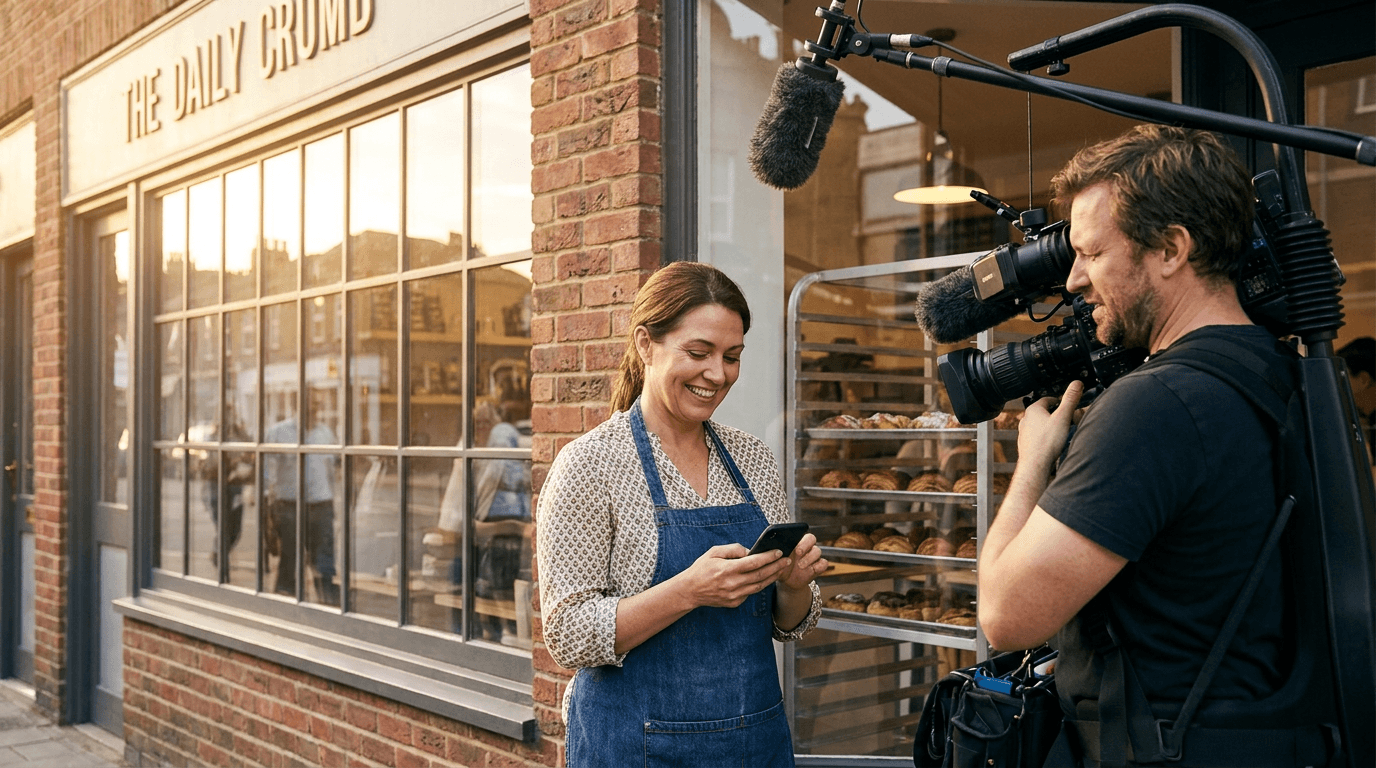
At Michigan Media House, we handle the hard part. We come to your location, shoot professional, GBP-ready footage of your space, your team, and your work, and hand you a polished clip built to perform in local search. You just post it. That's it. We're local to Michigan, we know these communities, and we build video that actually looks like the place your customers are about to walk into.
If you're ready to stand out in local search and turn your Google Business Profile into your hardest-working salesperson, get in touch with Michigan Media House today. Let's put your business on camera — and in front of the customers already searching for you.


